Price by stitch count and quantity, add digitizing, send proofs customers approve from their phone, and track every job to paid.


Shippo
ShipStation
Google Drive
CanvaEmbroidery shop software has to price by stitches, not colors, so Prntly OS prices each location from your own quantity and stitch-count table and adds a digitizing fee when a design needs one.
That price follows the job: onto the quote, the proof the customer approves, the invoice and the deposit. Nobody re-types numbers between tools.
And because one subscription covers screen print, DTF and embroidery, a shop that does more than one method keeps every job on the same board.
Pick the garment, set the stitch count for each location, and the price comes from your table. Add a digitizing fee with one switch.
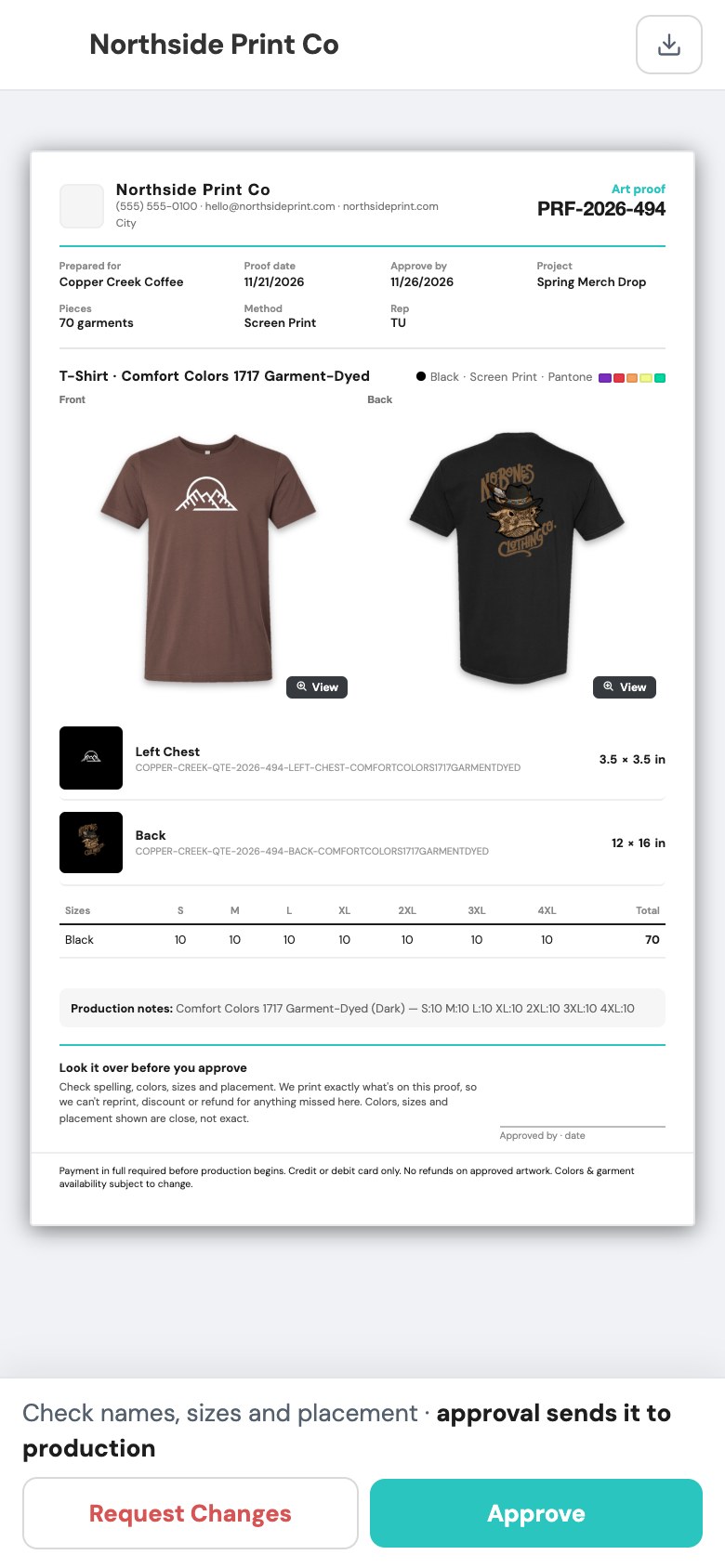
Show the logo on the polo or the hat with its size and placement. The customer approves from their phone and pays the deposit.

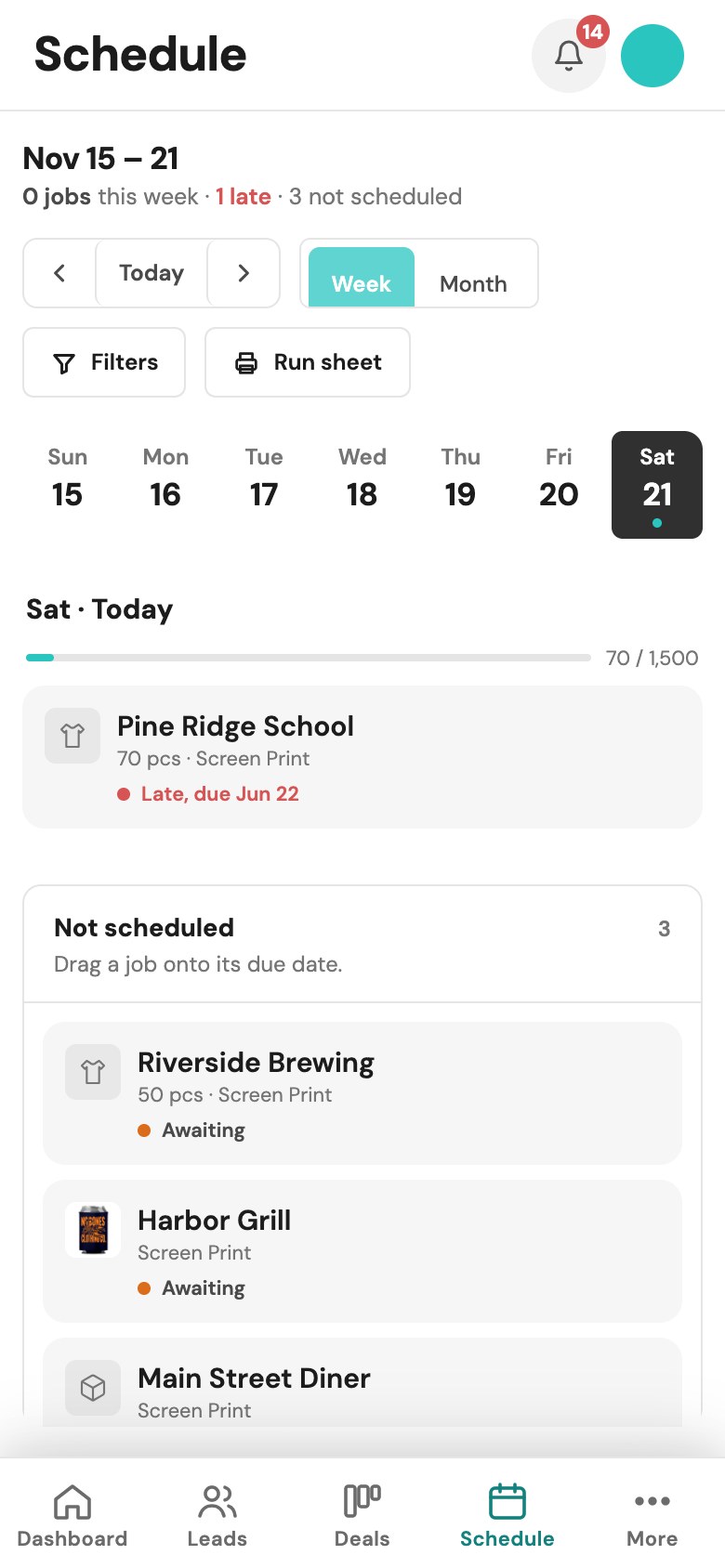
Approved jobs land on their due dates with the art and counts attached. Drag them to a machine day and print a run sheet.

Send the invoice with a pay link, take deposits, and see who owes you without opening a spreadsheet.
Yes. You set a table of prices by stitch count and quantity once. Each location on a quote is priced from it, and a digitizing fee can be added per design.
Yes. One quote can have embroidered polos and screen printed tees, each priced its own way, on one job and one invoice.
Yes. Send a proof link. The customer sees the design on the garment with its size and placement, and approves or asks for changes from their phone.
No. It runs in any web browser on a computer, tablet or phone, so the crew can check the schedule on the shop floor from a tablet.
Plans start at $49 a month for one or two people, $129 for small teams and $249 for larger shops. Every plan has a 14-day free trial with no credit card.