Print shop quote and invoice software.
Priced, sent and paid.

Build a priced quote in minutes, send it as a link, turn it into an invoice and get paid online, with deposits and balances tracked for you.

14-day free trial · no credit card
Works with the tools your shop already uses
S&S Activewear
Stripe
Square
EasyPost
ShippoShippo
ShipStationShipStation
PrintfulPrintful
Google DriveGoogle Drive
CanvaCanva
Why print shops use it

Quotes that price themselves.

Print shop quote and invoice software should know what a print job costs, so Prntly OS prices quotes from your own settings: garment cost and markup, print method, colors or stitches, locations, screens and setup.

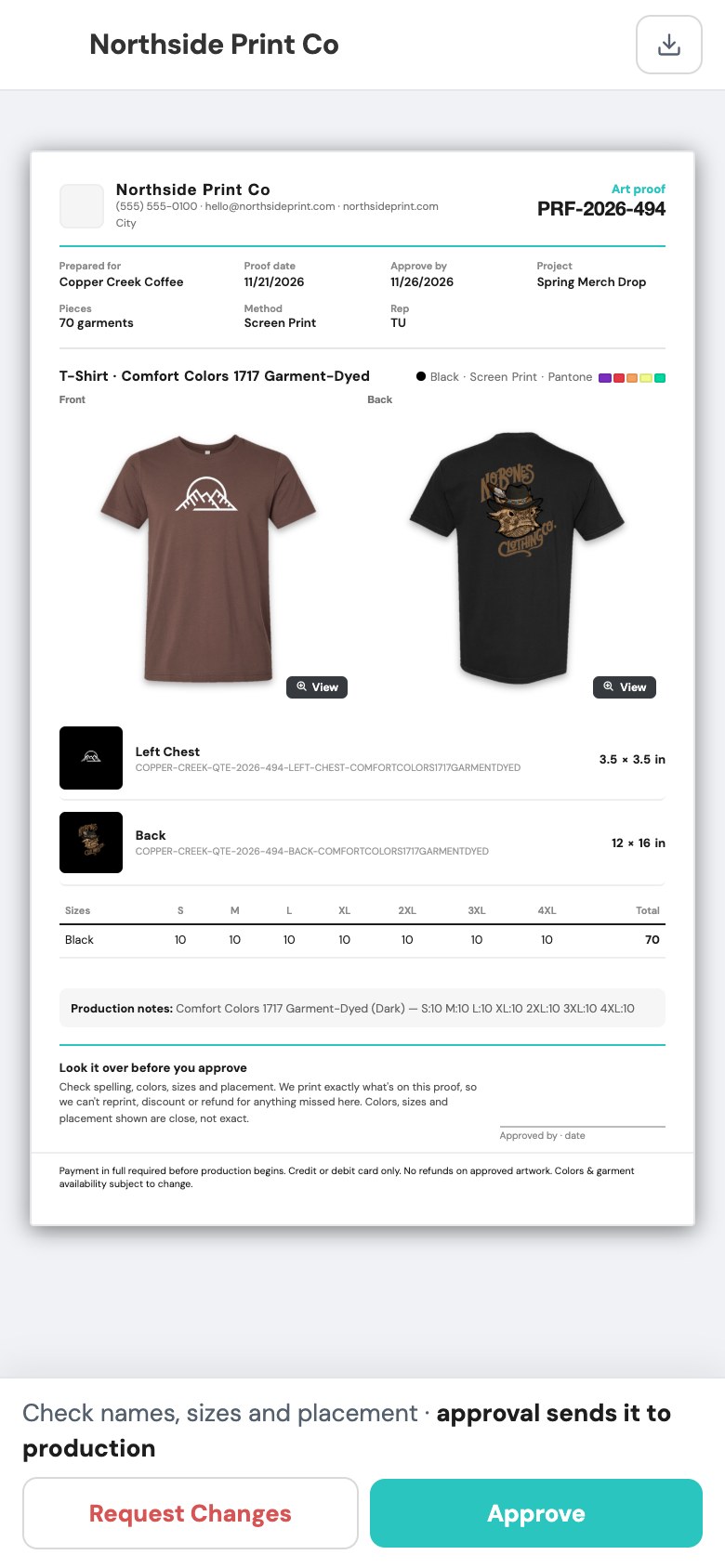
Customers get a clean link instead of a PDF attachment. They approve it, pay a deposit, and the same numbers become the invoice. No re-typing, no math in a spreadsheet.

Every quote and invoice stays on the customer's page with the art, the proof and the payments, so you always know where a job stands.

01

A priced quote in minutes.

Pick the garment with live S&S pricing, choose the method and locations, and the quote totals itself from your pricing.

YouPick a shirt. Type 48.
Prntly OSPrices it, totals it, makes the link.
prntlyos.com
02

One link the customer can approve.

Send the quote by text or email. They open it on their phone, approve it and pay the deposit right there.

YouSend the link.
Prntly OSCollects the approval and the deposit.
9:41
A customer approving a quote on a phone
03

The quote becomes the invoice.

When the job is approved the invoice is already built. Add a pay link, choose payment terms, and send it.

YouTurn it into an invoice.
Prntly OSCopies every line, ready to send.
prntlyos.com
04

See what's paid and what's owed.

Every deposit, payment and refund is listed, and the money still owed shows on one screen.

YouOpen Payments.
Prntly OSShows every payment and every balance.
prntlyos.com
Questions

What shops ask about quoting.

Can customers pay a deposit when they approve?

Yes. Set a deposit on the invoice and the customer pays it from the same link they approve on. The balance is tracked until it's paid.

Which payment services does it work with?

Stripe, Square and PayPal. You can also record cash, checks, Venmo, Zelle and other payments by hand so every payment is in one list.

Can I quote screen print, DTF, embroidery and stickers together?

Yes. One quote can mix methods and products, and each line is priced its own way from your settings.

Does it work with QuickBooks?

A QuickBooks Online connection is built and listed as coming soon. Today you can export payments and revenue to a CSV for your bookkeeper.

How much does it cost?

Plans start at $49 a month for one or two people, $129 for small teams and $249 for larger shops. Every plan has a 14-day free trial with no credit card.

More for print shops

Built for every kind of shop.

You print.
It handles the rest.

Try every feature free for 14 days. No credit card.

Start free trial